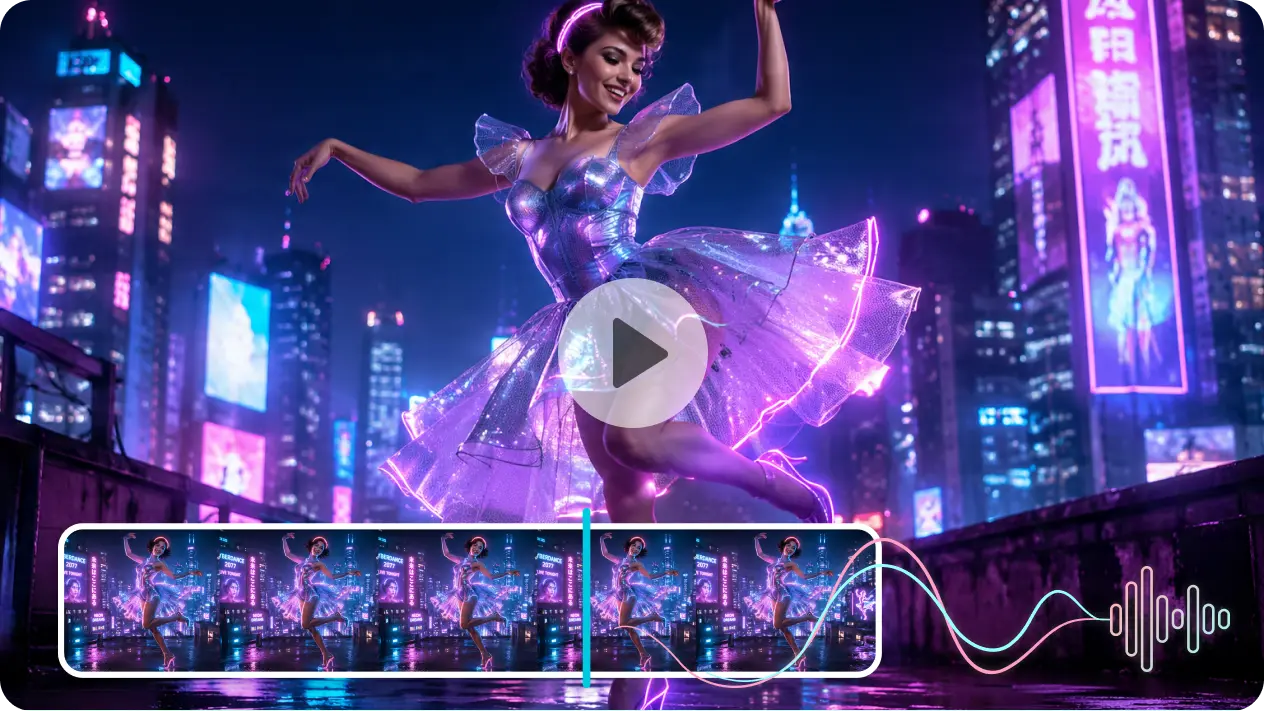
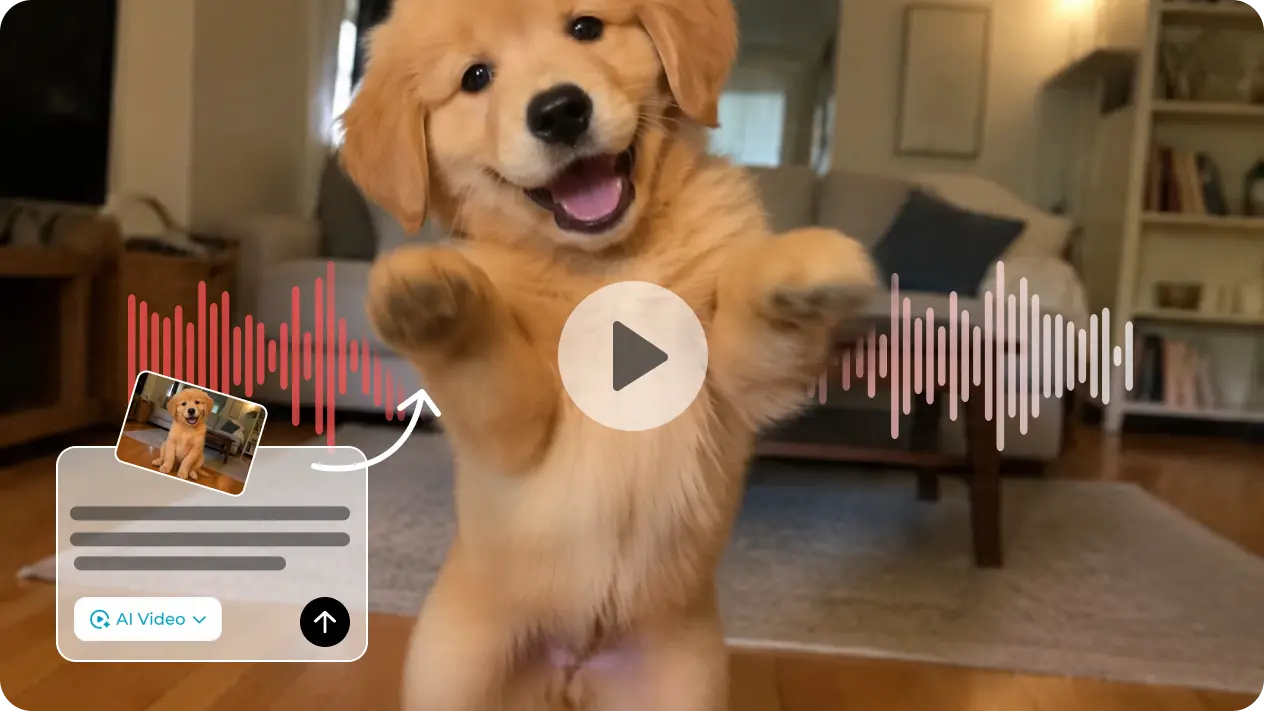
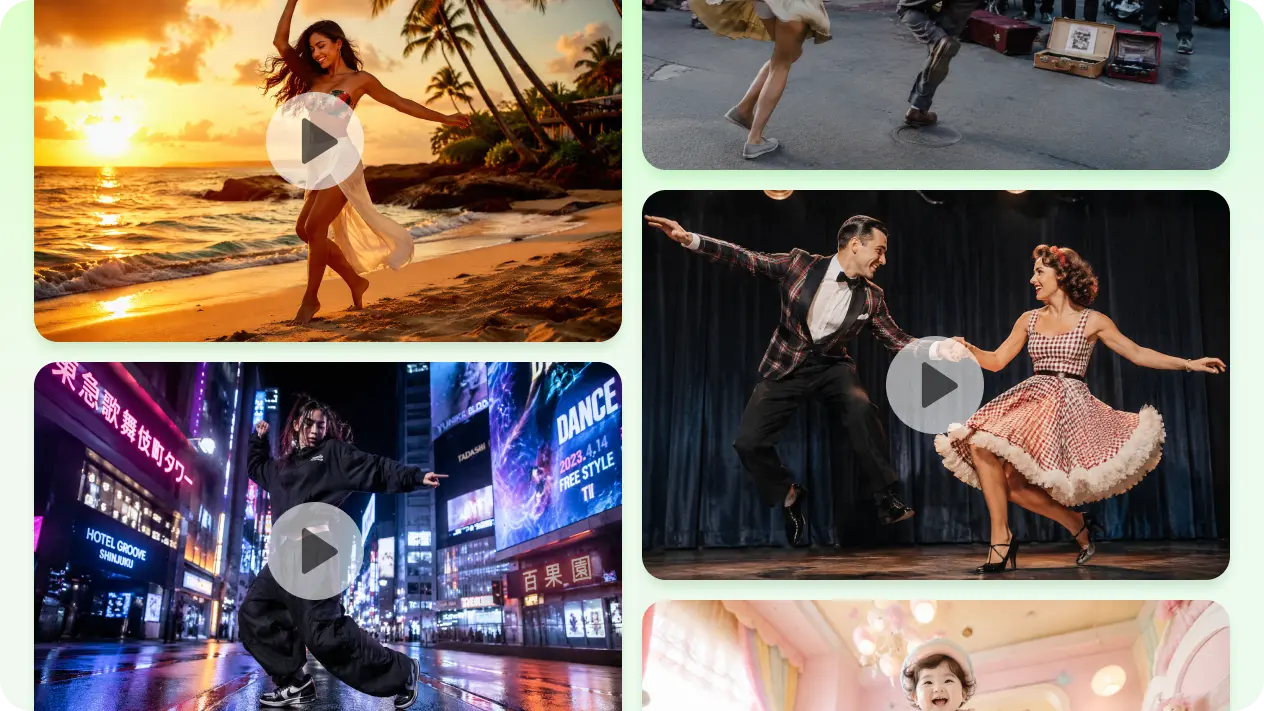
To make a photo dance, you need two useful inputs: a picture that clearly shows the subject and a video that shows the movement. The picture can feature a person, an original character, a mascot, or artwork you are allowed to use. The dance video acts as the motion guide.
The generator uses the reference to create new frames in which the pictured subject follows the dance. This is more specific than a basic photo animation that only pans, zooms, or moves the face. Arm gestures, body sways, steps, and timing come from the selected reference, so your choice of dance matters as much as your choice of image.
A simple first attempt is often the most useful. Pick one subject, one short routine, and a stable reference. After you see how the photo responds, you can test faster movement, a different pose, or a more stylized character.