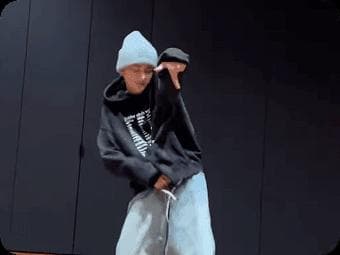
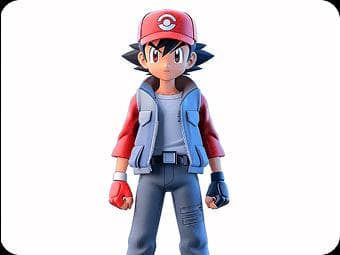
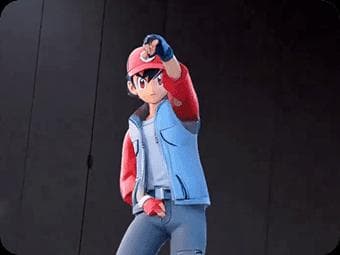
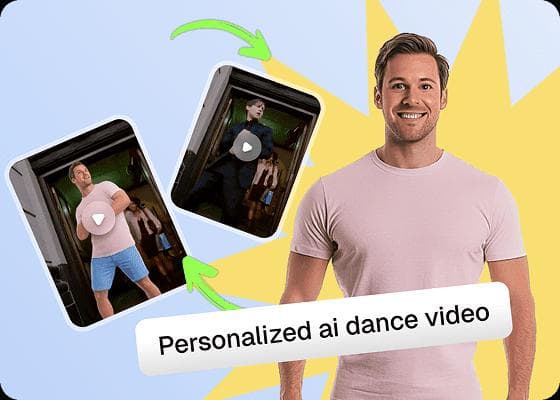
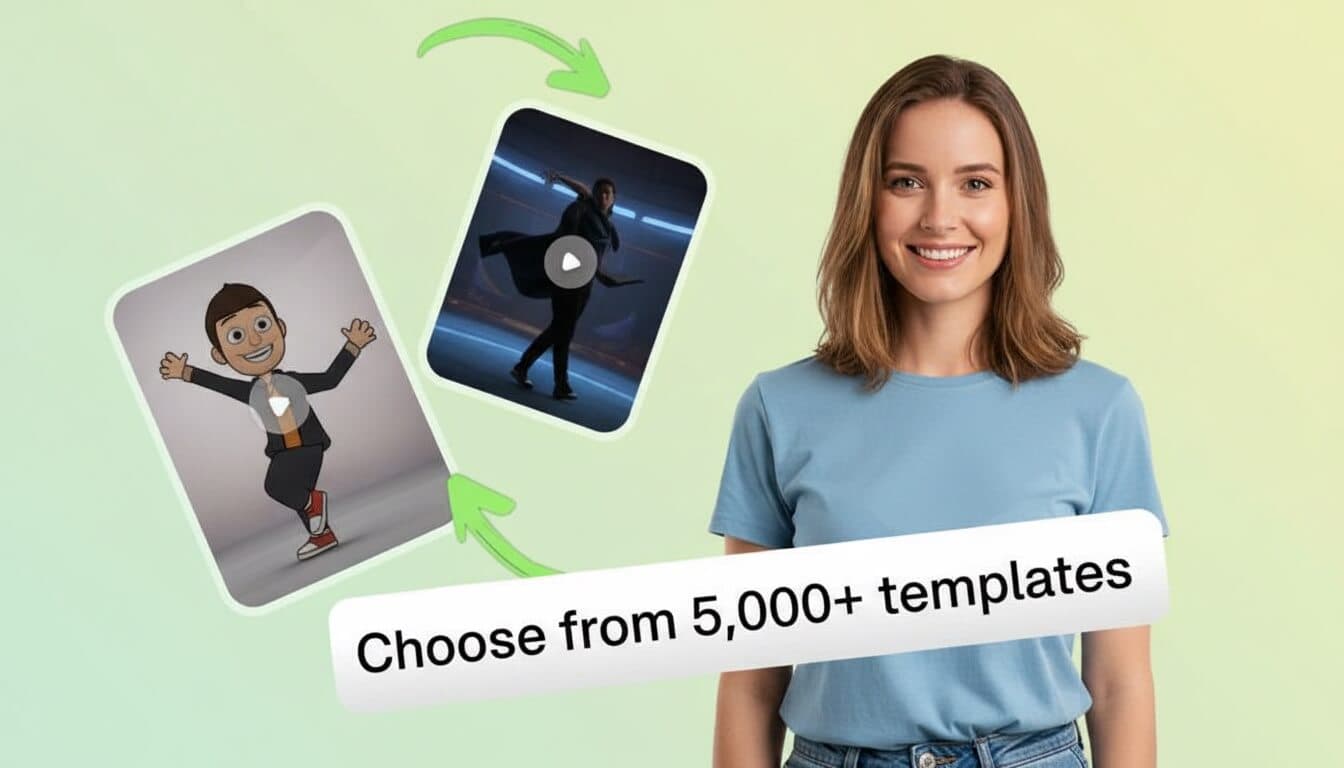
Upload a full-body photo, choose a dance template, and generate a short AI dance video.
3 to 20 seconds
5s video · minimum 5s billing
Live preview
Standard
What Is an AI Dance Video Generator?
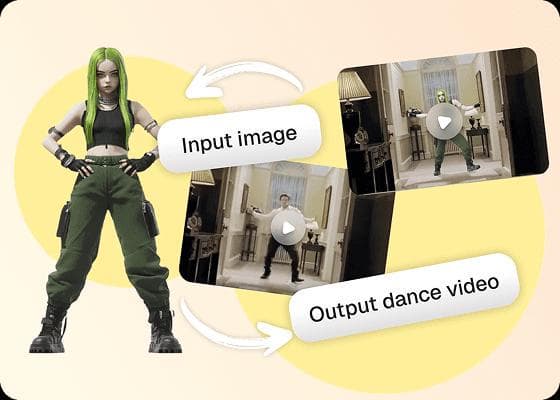
An AI dance video generator is an online tool that turns a still photo into a moving dance video by following the body movement in a reference clip. Instead of drawing poses frame by frame, you provide the subject and the dance motion you want the subject to follow.
The source image can show a person, an original character, an illustration, or a brand mascot. The reference video supplies the choreography, timing, direction, and general framing. The generator combines those inputs to make a new character dance video that can be reviewed and downloaded.
This workflow is different from a basic photo animation effect. A simple effect may add a repeated sway or face movement. A reference-led photo to dance video follows a fuller sequence of actions, which can include arm positions, steps, turns, and changes in body direction.
A focused motion-transfer workflow
One subject, one reference dance, one downloadable result
01
Your image defines the subject
Choose a clear photo or authorized character image with the body areas needed for the selected dance.
02
Your video defines the motion
Upload a reference that shows the movement, rhythm, camera framing, and sequence you want to transfer.
03
Your settings define the output
Choose character orientation, output quality, optional prompt details, and whether to retain the source sound.
04
The preview supports a final check
Watch the result for framing, identity, motion, and audio before you download or publish it.
AI Dance Video Generator Examples
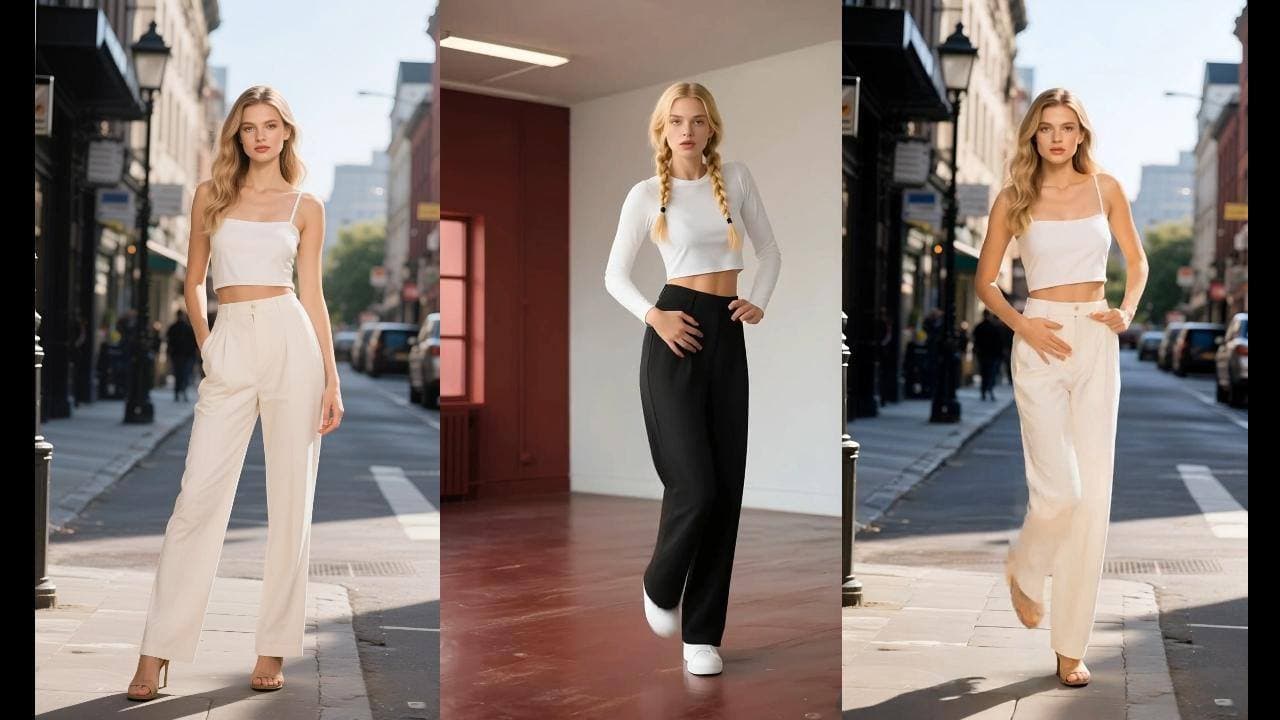
Preview different subjects, poses, and dance styles. Hover or tap a video to see the movement.
Better Inputs for the AI Dance Video Generator
Good inputs give the AI dance video generator a clearer subject and a more readable movement path. Before generating, check the framing, visibility, lighting, and motion in both files.
Choose a clear source image
Use one visible subject with a recognizable face, torso, arms, and legs. Full-body photos fit dances with steps, jumps, or turns. Half-body portraits are better suited to hand gestures, shoulder movement, and close framing.
Keep the subject unobstructed. Avoid crossed objects, cropped limbs, heavy motion blur, and clothing that hides the body outline.
Use even lighting. A well-lit photo gives the generator more visible facial and clothing detail to work with.
Match the intended framing. If the dance needs footwork, do not start with a head-and-shoulders crop.
Use authorized media. Upload your own photo, licensed artwork, or an image you have clear permission to animate.
Pick a readable dance reference
A reference dance video tells the tool what the subject should do. Choose a clip with one primary performer, a visible body, consistent scale, and movement that fits the proportions and framing of your source image.
Prefer stable camera work. Heavy zooms, fast cuts, and blocked body parts can make the motion harder to follow.
Start with a short clear sequence. A focused routine is easier to review than a reference with unrelated scenes.
Check pose compatibility. A front-facing source image usually fits a front-facing dance better than a profile-only reference.
Confirm video and music rights. Online availability does not automatically grant reuse or commercial permission.
How to Use the AI Dance Video Generator
Move from a still image to a downloadable dance clip with three focused actions.
Choose the dance motion
Upload a reference dance with the timing, framing, and energy you want the subject to follow.
Upload an authorized image
Use a clear photo, original character, or mascot image that you own or have permission to animate.
Generate and download
Choose the orientation and quality, keep or remove the original sound, then generate your dance video.
AI Dance Video Generator Controls
The creation panel keeps the important decisions visible in one place. Review each setting before spending credits so the output is closer to the format and movement you need.
01
Character orientation
Match video keeps the subject aligned with the reference performer. Match image gives more weight to the direction and framing already present in the uploaded picture. Choose the option that best fits the pose you want to preserve.
02
Optional prompt
Use the prompt for scene, clothing, lighting, or visual-style guidance. Keep it focused on details that support the existing image and movement rather than asking for several unrelated changes at once.
03
Output quality
Standard is useful for routine tests and first passes. Pro is available when you want the higher-quality option shown in the workspace. The required credit amount updates before generation.
04
Original sound
Keep the reference sound when you have permission and want the timing context. Turn it off for a silent export or when you plan to add official music inside TikTok, Reels, Shorts, or another editor.
05
Preview and download
The completed result appears beside the controls. Watch the full clip, check the crop and body movement, confirm that the subject is represented appropriately, and then download the version you want to keep.
AI Dance Video Generator Features
Build a focused dance workflow around a source image, a reference movement, and a share-ready result.
Transfer real dance motion
Apply the movement and timing from a reference dance to an authorized photo. The model creates coordinated body motion instead of a simple looping image effect.
Work with more than selfies
Animate original characters, brand mascots, illustrations, and clear portrait photos when you have permission to use the source image.
Choose the movement first
Upload a reference dance that matches the framing and energy you want. Full-body clips are best when the source image shows visible limbs.
Create for vertical feeds
Review the generated result, download the video, and prepare it for TikTok, Instagram Reels, or YouTube Shorts.
AI Dance Video Generator Use Cases
Use one simple dance workflow for trend content, fandom edits, mascot campaigns, and repeatable social video ideas.
AI Dance Videos for TikTok and Reels
Follow short-form dance trends without filming choreography. Turn a clear photo into a vertical clip for TikTok, Instagram Reels, or YouTube Shorts.
Character and Fandom Dance Edits
Animate an original character or authorized artwork with recognizable dance motion for fan edits, performance concepts, and social posts.
Memes and Mascot Dance Videos
Turn a mascot, pet, or character image into a playful dance video made for reactions, inside jokes, and shareable meme content.
Creator Content Variations
Generate alternate movement, orientation, sound, and quality combinations to test more short-form ideas from the same source image.
AI Dance Video Generator FAQ
What is an AI dance video generator?
An AI dance video generator applies motion from a reference dance to a still image. It can animate a person, original character, or mascot and produce a short downloadable video.
Can I make a photo dance?
Yes. Upload a clear image with one visible subject, then add a reference dance video. The generator uses the reference movement to create a new photo-to-dance video.
What photos work best?
Use a sharp, well-lit image with a clear face and visible body shape. A simple background and unobstructed arms and legs usually produce more readable motion.
Can I animate a mascot or illustrated character?
Yes, provided that you own the artwork or have permission to use it. Characters work best when their face, torso, arms, and legs are easy for the model to identify.
Can I export for TikTok, Reels, or Shorts?
Yes. Download the generated video and prepare it for the platform you use. Check the crop and add licensed music inside the destination platform when needed.
How long does generation take?
Generation time varies with reference length, selected quality, and current processing demand. Keep the page open while the progress view is active. When the job finishes, the result appears in the preview area and can be downloaded from the same workspace.
Do I need a full-body photo to make a dance video?
A full-body photo is the strongest choice when the reference includes visible footwork, leg movement, or wide arm positions. A half-body image can still work for upper-body dances, gestures, and shoulder movement. Match the photo framing to the movement you want the AI dance video generator to reproduce.
Can I upload my own reference dance video?
Yes. The creation workspace accepts a separate reference dance video so you can choose the movement rather than relying on a fixed animation. Use a clear clip with one primary dancer, stable framing, visible body movement, and no unnecessary cuts. You must have permission to use the reference.
Can the generated dance video keep the original sound?
Yes. Use the Keep original sound control when the reference audio is useful and you have the rights to include it. Turn the option off when you plan to add licensed music later inside TikTok, Instagram Reels, YouTube Shorts, or another editing tool.
How are AI dance video credits calculated?
The required credits are shown on the Generate button before you start. Cost depends on the billed duration and the output quality you select. Standard and Pro use different credit rates, so you can review the price before submitting the job.
Can I use an AI dance video commercially?
Commercial use depends on the rights attached to every input and on the rules of the destination platform. Use photos, artwork, mascots, reference videos, music, and trademarks that you own or are authorized to use. Review the output before publishing and do not imply that a real person endorsed or performed a dance without permission.
Create with the AI Dance Video Generator
Return to the dance maker to upload a photo and choose a movement, or compare one-time credit packs before starting your next AI dance video.